
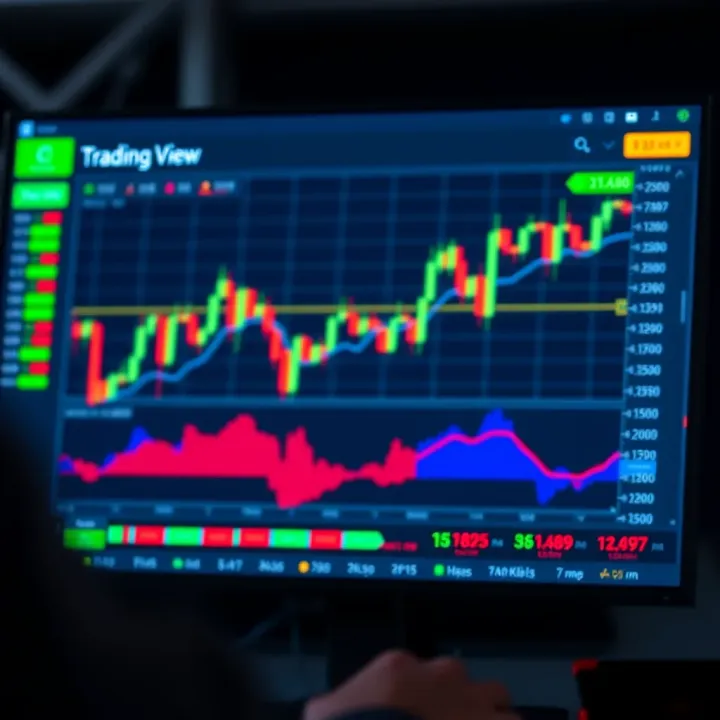
How Kenyan Traders Can Use TradingView.com Effectively
📈 Learn how Kenyan traders can use TradingView.com to analyse charts, access market data, explore subscription plans, and enhance local trading strategies effectively.
Edited By
Emily Carter
TradingView is fast becoming a vital tool for traders and developers in Kenya who want to keep up with global markets while adapting strategies to local realities. This platform offers interactive charts, flexible technical indicators, and real-time market data that make analysing stocks, forex, cryptocurrencies, and commodities much more accessible.
For Kenyan traders, using TradingView doesn’t just mean following trends worldwide. It’s about integrating this powerful tool to fit Kenya’s unique market conditions, such as trading NSE-listed equities or considering currency fluctuations that impact import-export businesses.
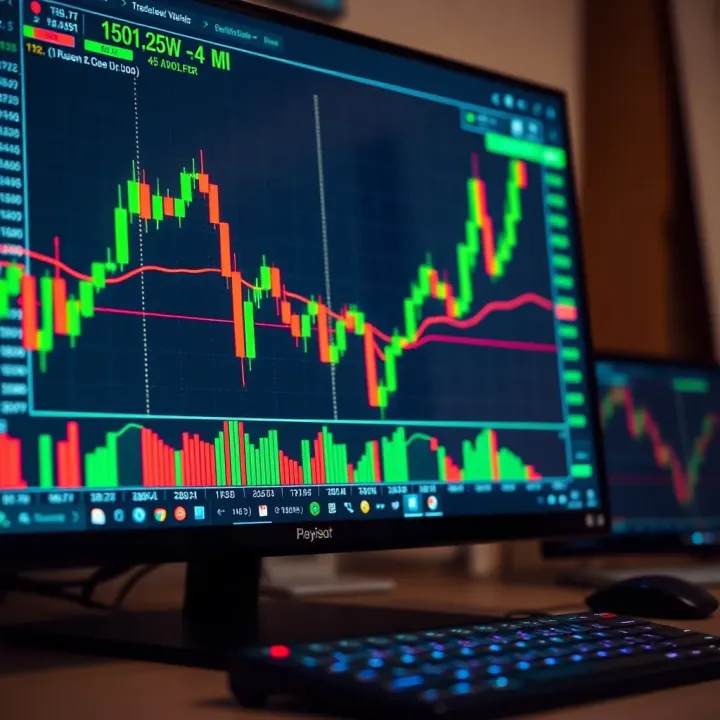
Developers can embed TradingView’s widgets and APIs into their platforms, allowing them to build customised trading applications or websites. This means you can offer your users live charts, tailored alerts, and interactive tools without building complex infrastructure from scratch.
Integrating TradingView bridges the gap between advanced market analysis and local trading needs, helping users make informed decisions fast.
Here are some key ways TradingView fits into the Kenyan trading and developer landscape:
Accessibility: With mobile-friendly features and responsive design, it suits the busy trader relying on smartphone data.
Customisation: Developers can tweak charts and indicators to match client preferences or create unique tools.
Real-time Alerts: Essential for Nairobi traders managing positions amid daily market moves or currency swings.
Tackling the practicalities, this guide will walk you through setting up TradingView integrations, from embedding widgets into a Kenyan investment blog to using APIs for a fintech startup offering trade signals. The focus will be on clear, step-by-step advice to ensure you get TradingView working for you, tackling common challenges like internet connectivity or data costs.
If you want to sharpen your market analysis while making the most of TradingView’s tools within Kenya’s trading ecosystem, this article will help you get started and grow from there.
TradingView has grown to become a go-to platform for traders and developers across the world, and Kenyan market players are no exception. The platform offers a suite of analytical and charting tools that are invaluable for making informed trading decisions. By providing real-time data, interactive charts, and social features, TradingView bridges the gap between raw market information and actionable insights.
Understanding TradingView's role is essential because it shapes how you approach market analysis and execution. For example, a keen trader in Nairobi looking to trade NSE stocks can use TradingView’s charts to track price movements minute-by-minute, set alerts for specific price points, and follow public ideas from other market analysts.
TradingView combines tools for both traders and developers, making it versatile and widely applicable. Traders enjoy access to detailed charts across various asset classes including stocks, forex, commodities, and cryptocurrencies. The platform supports multiple chart types such as candlesticks, bars, and Renko, with the ability to overlay indicators.
Developers benefit from TradingView’s APIs and widgets, which allow seamless integration of interactive charts into custom platforms or websites. For instance, a fintech startup in Kenya might use TradingView’s AJAX-based widgets to embed dynamic price charts directly into their app, without building charting features from scratch.
Additionally, the Pine Script programming language on TradingView enables creating custom indicators and automated alerts. This helps traders personalise their strategy and automate routine monitoring tasks.
In Kenya, TradingView is widely used for monitoring equities listed on the Nairobi Securities Exchange (NSE), alongside regional commodities like tea and coffee futures. Many retail traders rely on TradingView to analyse price patterns before making buy or sell decisions.
Besides individual use, some investment groups and local brokers incorporate TradingView charts in client presentations to better visualise market trends. Small-scale forex brokers in cities such as Mombasa and Kisumu also embed TradingView widgets on their websites, offering clients easy access to live market data.
A practical example is a trader combining TradingView alerts with M-Pesa notifications. Once a trade signal hits on TradingView, the trader promptly receives a message and can execute orders promptly through their broker’s mobile app.
TradingView’s flexibility and accessibility make it an indispensable tool for Kenyan traders keen on staying ahead in fast-moving markets.
By grasping what TradingView offers and its common applications locally, you’ll be well-placed to use it effectively for your trading or development projects.
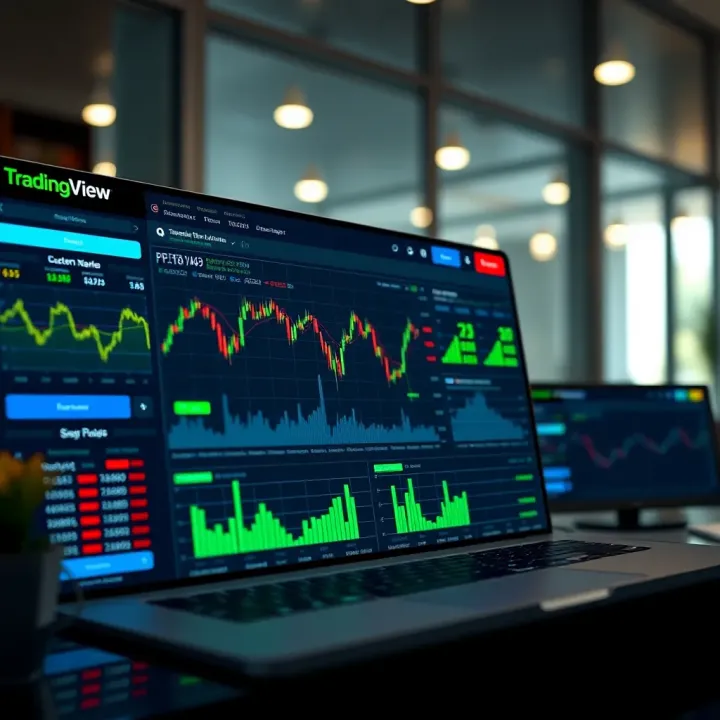
Integrating TradingView tools effectively helps Kenyan traders and developers access reliable market analysis right from their own platforms. Choosing the right method depends on your technical know-how, the depth of integration you want, and how quickly you need to get started. This section outlines practical methods—from easy widget deployment to advanced API usage—that fit different platform needs and local contexts.
TradingView widgets offer a straightforward way to embed functional charts and market data into websites or trading platforms without much coding. For example, a Kenyan fintech startup can quickly add a forex or stock market widget from TradingView to their website, giving users live price updates and interactive charts. These widgets are configurable but limited to preset features, making them perfect for businesses needing fast, reliable visual data with minimal technical effort.
Using widgets also means lower development costs and shorter testing periods, which suits small-scale traders or SMEs in Kenya looking to boost platform appeal without overhauling their systems. Plus, these widgets automatically update with TradingView’s latest data and charts, meaning your users always see fresh information.
For platforms aiming to build more customised or complex trading tools, TradingView’s API provides greater flexibility. Through the API, developers can access raw market data, customise chart rendering, or even build trading bots compatible with local brokers. For instance, a Nairobi-based developer creating a trading app could combine TradingView API data with Kenyan stock prices from the Nairobi Securities Exchange (NSE) to offer tailored analytics.
The API requires more programming skills and setup time, but it allows full control over visualisations, user interfaces, and integration with other Kenyan payment systems like M-Pesa. This method is ideal for fintech firms or developers who want to build from scratch or add extra layers of functionality beyond what widgets offer.
Embedding charts or custom Pine scripts lets you integrate TradingView directly into websites or mobile apps, offering a seamless user experience. Kenyan trading platforms can embed interactive charts customised with specific indicators relevant to local traders, such as those tracking NSE equities or forex pairs involving the Kenyan shilling.
This approach involves inserting TradingView’s embed code and any additional scripts into your platform’s codebase. It gives users a smooth experience without leaving the platform, encouraging longer engagement. Moreover, you can tailor alerts and signals to match Kenyan market hours or local trading preferences.
Embedding TradingView features smartly balances functionality and user experience, letting platforms combine global market data with Kenya-specific requirements.
In summary, using widgets suits those who want quick results, APIs provide granular control for advanced projects, and embeddable charts bring TradingView's power directly into your app or website. Each method plays a role for traders and developers adapting to Kenya’s growing digital trading scene.
Customising TradingView is key for making the platform truly work for your specific trading style and objectives. Kenyan traders and developers benefit by tailoring charts, indicators, and alerts to fit local market conditions and trading habits. This flexibility improves both analysis and decision-making, so you don’t waste time wading through irrelevant data or generic defaults.
Changing chart settings on TradingView helps you highlight what matters most in your trading strategy. For example, you might prefer candlestick charts with colours that stand out well on bright screens, given Nairobi’s sunny days. Traders focusing on Kenyan stocks on the NSE can add volume indicators or overlay moving averages to identify trends clearly. Adjusting time frames—from minutes for day trading to daily or weekly charts for longer-term investors—lets you zoom in or out on price action depending on your trading horizon.
You can also customise the display by adding grid lines or changing backgrounds to reduce eye strain during long hours monitoring markets. In practice, a trader dealing with currency pairs like USD/KES might set alerts on specific support or resistance levels that are more relevant in Kenya’s forex volatility.
TradingView allows building custom technical indicators using its Pine Script language. This is particularly useful for Kenyan traders who want to combine traditional tools with unique signals reflecting local market behaviour. For instance, you could develop an indicator that factors in Kenya’s electoral calendar or maize prices affecting currency movements—elements rarely covered by global indicators.
Custom alerts can notify you via email, SMS, or app push messages when price crosses a certain threshold or an indicator signals a buy or sell condition. This automation saves time and keeps you ahead, especially for busy entrepreneurs or investors who can’t watch markets all day.
Localising TradingView’s interface and functionalities improves accessibility and relevance. This includes adjusting settings to use KSh as the default currency, presenting dates in the day/month/year format, and incorporating Kenyan public holidays into trading calendars. Language settings and support for common Kenyan mobile devices ensure the platform runs smoothly for a wider user base.
Additionally, integrating local payment methods like M-Pesa for subscriptions or trade execution tools enhances convenience. User preferences might also include quick access to NSE-listed securities, East African Community regional markets, or commodities important to Kenya’s economy such as tea or coffee.
Customisation is not just cosmetic; it increases efficiency and market insight by aligning TradingView tools to real-world local conditions and user habits.
By adjusting charts, developing personalised indicators, and localising features, Kenyan traders and developers can make TradingView a powerful ally for smarter, faster trading decisions.
Implementing TradingView effectively requires clear, practical steps that Kenyan traders and developers can follow to streamline their trading operations. This approach not only simplifies the complex process but also aligns with local market needs, including mobile-first usage and integrating familiar payment methods like M-Pesa.
Starting with the basics, setting up a TradingView account is straightforward but crucial. Traders should create a free or paid account on TradingView to unlock various charting and scripting capabilities. Developers keen on tailoring charts or accessing TradingView’s API must register for a developer account. This provides access to essential tools like the TradingView Charting Library, Pine Script editor, and API endpoints. For example, a Nairobi-based fintech startup can use these tools to build custom chart modules embedded in their app, offering users local market data along with global insights.
For Kenyan traders and developers, integrating TradingView with local payment options is a game changer. Linking M-Pesa—the dominant mobile money service—with TradingView-powered platforms allows seamless funding of trading accounts or subscription payments for premium chart features. Developers can use Safaricom’s M-Pesa APIs or existing gateways to enable this integration. For instance, a trading education platform might let users pay for courses via M-Pesa, then immediately get access to specialised TradingView charts and custom alerts. This reduces friction and encourages more people to adopt technology-based trading.
Many Kenyan traders rely on mobile devices due to affordability and convenience. TradingView’s responsive charts and widgets work well, but developers need to optimise performance further for slower networks common in certain regions. Techniques include compressing data, limiting auto-refresh rates, and allowing offline caching of key charts. On desktop, ensuring compatibility across common browsers (Chrome, Firefox, Edge) and offering keyboard shortcuts for power users improves usability. Consider a portfolio manager in Mombasa who monitors NSE stocks and Forex markets; having a seamless experience on both their laptop at home and smartphone on the matatu ensures they never miss a trading opportunity.
Smooth integration and locally tailored features make technology adoption sustainable, especially in markets like Kenya where infrastructure and payment habits differ from Western contexts.
Taking these practical steps helps Kenyan traders and developers unlock the full potential of TradingView, turning it into a critical tool for analysis, execution, and ongoing market engagement.
Implementing TradingView in trading platforms around Kenya presents some obstacles that traders and developers must navigate carefully. These challenges range from technical issues like data latency to legal matters such as regulatory compliance, and even practical concerns connected to network speeds common in many parts of the country. Addressing these challenges effectively ensures TradingView delivers a reliable, efficient, and compliant experience tailored for Kenyan markets.
Data latency can severely affect real-time trading decisions. In Kenya, where internet quality varies between urban and rural areas, slow connections cause delays in chart updates and signal alerts. To manage this, developers should optimise data requests and cache important datasets locally where possible. For example, limiting the frequency of API calls or using WebSocket connections for real-time updates helps reduce latency. Additionally, selecting TradingView’s lite or mobile-compatible widgets can improve responsiveness on low bandwidth.
Kenya’s Capital Markets Authority (CMA) governs much of the country’s trading environment. Platforms integrating TradingView must comply with CMA rules, especially those covering data privacy, market manipulation prevention, and investor protection. Developers should ensure that user data is stored securely following Kenyan data protection laws, such as the Data Protection Act 2019. Moreover, clear disclaimers about TradingView’s tools being for informational use only will help avoid regulatory issues. Collaborating with legal advisors experienced in Kenyan capital markets avoids missteps and potential enforcement actions.
Many traders outside Nairobi rely on mobile internet with variable speeds. Heavy website or app content can slow down TradingView interface loading, frustrating users and driving them away. To optimise for these conditions, implement compressed data formats and lazy loading techniques where charts and scripts load only when needed. Also, trimming unnecessary chart indicators helps keep the interface light. Kenya-based services such as Safaricom’s 4G network tend to offer better speeds in towns, so apps might customise experiences based on detected network quality. Ensuring TradingView runs smoothly on different devices including older phones is essential for widespread adoption.
Addressing these common challenges doesn’t just improve user experience but also builds trust with Kenyan traders who look for reliability and compliance in their trading tools. Practical adjustments and local considerations in data handling, legal compliance, and network optimisation are key steps towards effective TradingView implementation in Kenya.
📈 Learn how Kenyan traders can use TradingView.com to analyse charts, access market data, explore subscription plans, and enhance local trading strategies effectively.
📈 Discover how TradingView supports Kenyan traders with smart charts, technical indicators, and community insights to sharpen stock, forex, and crypto decisions.
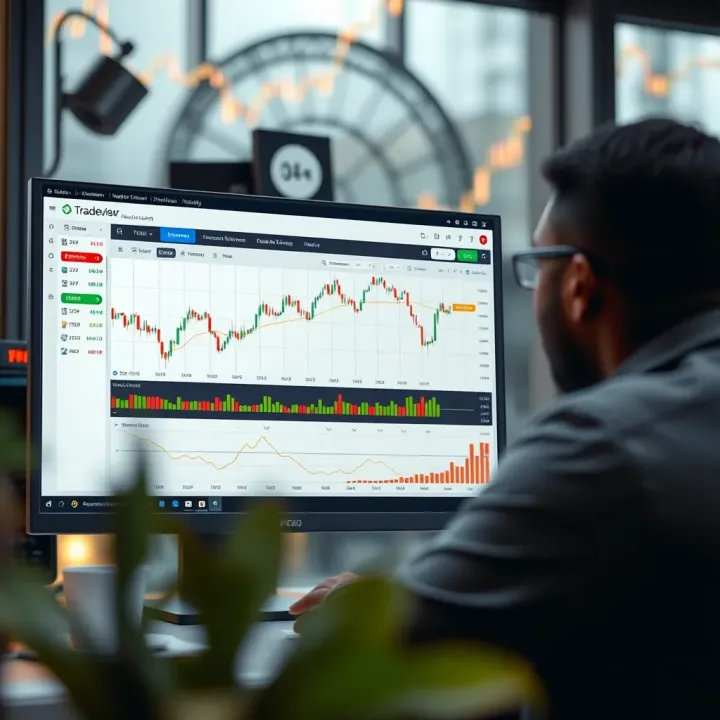
📈 Learn how to use TradingView with Deriv for smarter trades in Kenya. Set up easily, apply key tools, and explore strategies that suit local market needs.
Explore Quotex trading in Kenya 🇰🇪: how to register, fund via M-Pesa, understand risks, and improve results with smart strategies tailored for Kenyan traders 📈💼.
Based on 11 reviews